CONTACT US

Follow these simple steps to get your password reset.
1
Enter Employer Code and User Name
You can search for your employer code if you don't remember it. Remember that your user name is case sensitive.
2
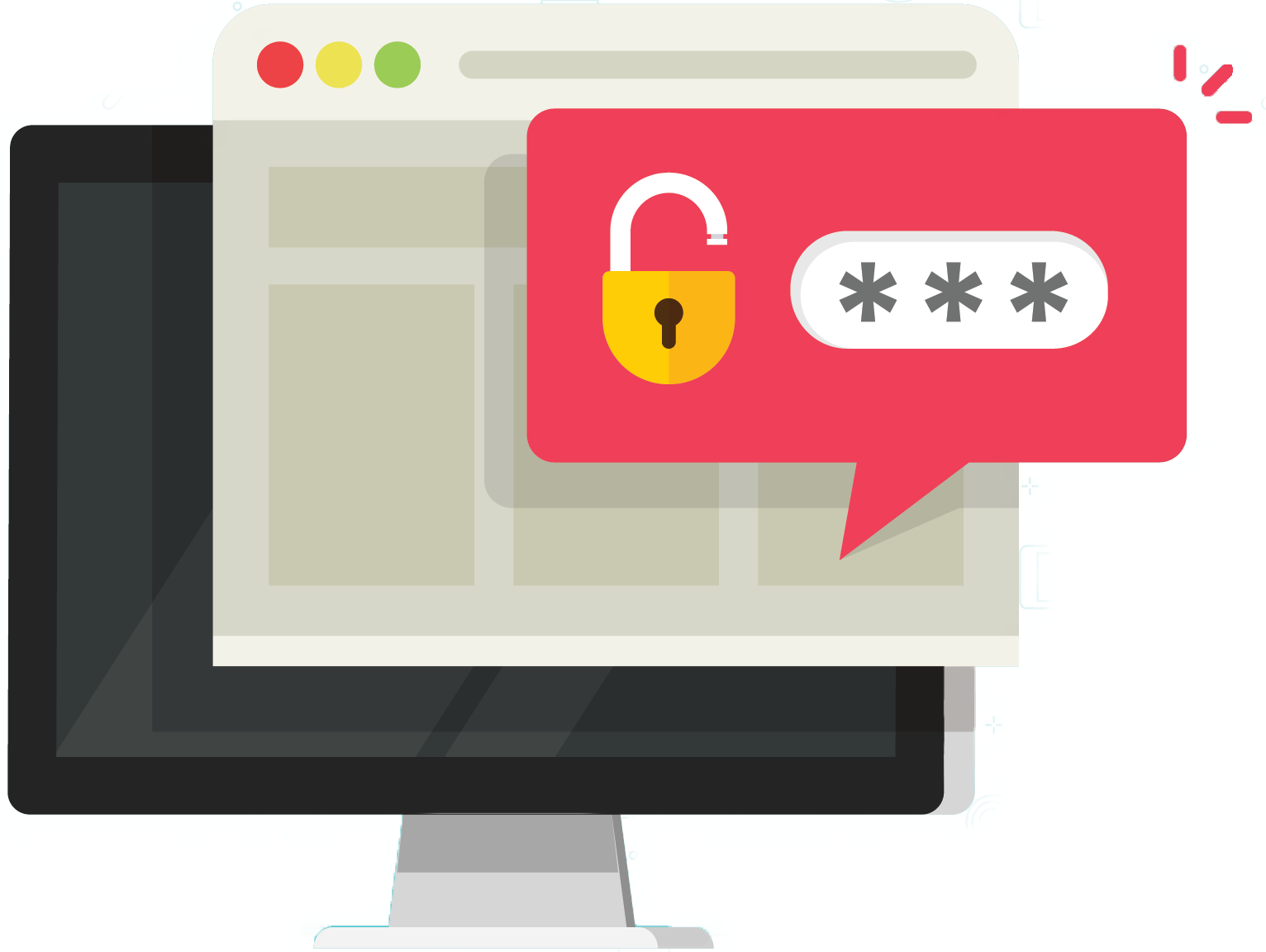
Click on "Password Reset" link
You'll find this link on the same screen that asks
for your password.
for your password.
3
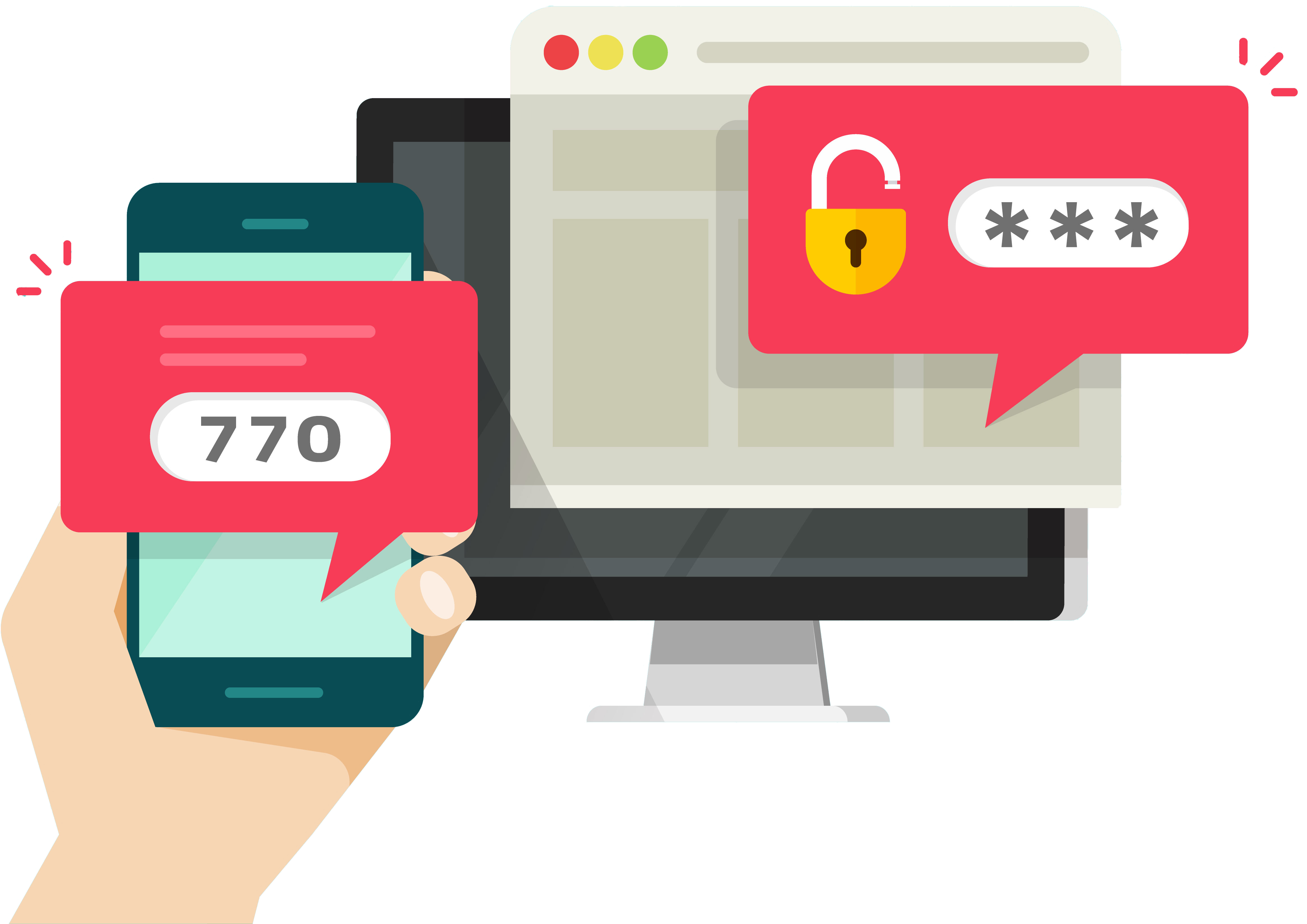
Choose option for "One Time Passcode"
You will be provided with options to receive a One Time Passcode. You can opt to get the passcode by text, email or automated phone message. The passcode is valid for 20 minutes.
4
Enter Passcode and Select New Password
Copy and paste the passcode where requested on the site. You will then be prompted to create a new password; you can use to login the next time you access the site.